Best Gambling Apps for Android UK
Best Non GamStop Casino UK 2026
Loading...
Android gives you more choice — and more responsibility for that choice. Where Apple curates a walled garden with a single app store and strict submission guidelines, Google’s ecosystem is deliberately more open. Google Play hosts gambling apps for UK users under its own set of policies, but Android also permits the installation of apps from outside the Play Store, a practice known as sideloading. That openness is a feature for most categories of software. For gambling apps, it introduces a risk that iPhone users never encounter.
Google Play’s gambling app policy for the UK requires operators to hold a valid UKGC licence, restrict access to users in licensed jurisdictions, and comply with Google’s content policies on advertising and in-app purchases. These requirements mirror Apple’s approach in principle, though Google’s review process historically allows a wider range of apps through and relies more heavily on post-publication enforcement than pre-publication screening. The practical effect: the Play Store is a reliable source for legitimate UK gambling apps, but it is not the only place an Android user might encounter a gambling APK — and that distinction matters.
Beyond the distribution question, Android brings a set of hardware and software capabilities that affect how gambling apps perform. The diversity of Android devices — from budget handsets under 150 pounds to flagship phones with desktop-class processors — means the same app can deliver very different experiences depending on what you are holding. Understanding the platform-specific features that improve (or limit) your gambling app experience is essential before you download anything.
Android-Specific Features for Gambling Apps
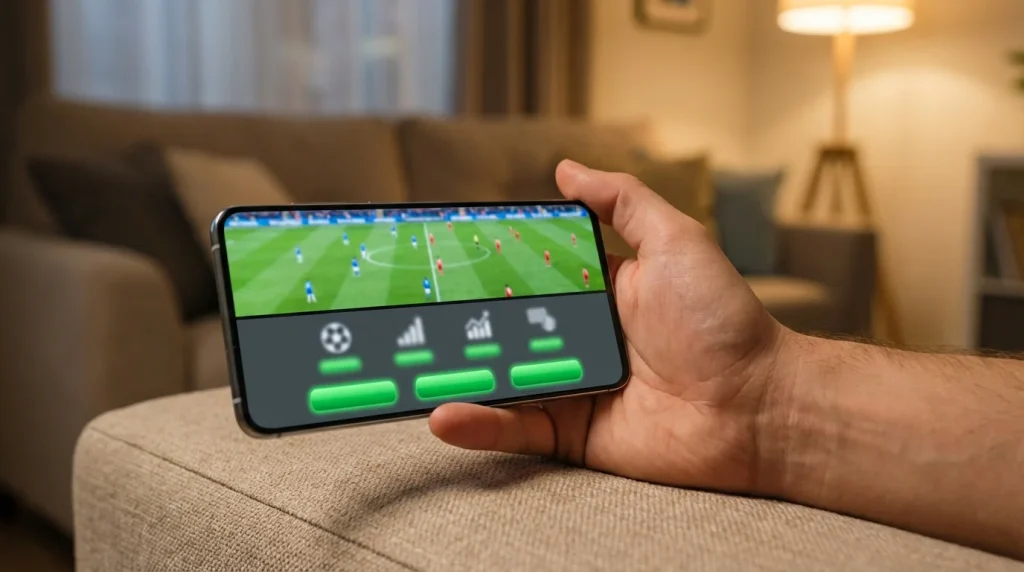
Android’s flexibility lets you run a live stream and a betting app side by side — if your phone can handle it. That split-screen capability is one of several platform features that make Android a genuinely different experience for gambling app users compared to iOS.
Google Pay deposits work similarly to Apple Pay: tokenised card details, biometric authentication, and near-instant processing. The integration is available across most major UK gambling apps, and the security model is comparable — the operator never receives your actual card number. Where Google Pay differs is in device support. Because Google Pay runs on any compatible Android phone regardless of manufacturer, it is available on mid-range devices that cost a fraction of an iPhone. The democratisation of fast, secure deposits matters in a market where not every player carries a flagship phone.
Biometric authentication on Android varies more than on iOS. Flagship devices offer face recognition and under-display fingerprint sensors that rival Face ID in speed and accuracy. Budget and mid-range phones often rely on rear-mounted fingerprint sensors or less sophisticated face unlock systems that may not meet the security threshold some gambling apps require. If your device’s biometric hardware is not supported, the app will fall back to PIN or password entry — functional, but slower and less secure against shoulder-surfing.
Split-screen mode is where Android pulls ahead for a specific type of user: the sports bettor who watches and wagers simultaneously. On devices running Android 12 or later, you can run a live streaming app in the top half of the screen and your betting app in the bottom half, placing in-play bets without switching between apps. The experience demands a screen of at least 6.4 inches to be practical and a processor that can handle simultaneous video decoding and data-heavy app rendering. On a flagship Samsung or Pixel, it works beautifully. On a budget device, the frame drops make it more frustrating than useful.
Notification channels — an Android feature since version 8 — let you control which types of notifications a gambling app can send with more granularity than iOS historically offered. You can enable withdrawal confirmations and account security alerts while silencing bonus promotions and marketing messages, all without going into the app’s own settings. This is particularly useful for players who want the functional notifications but prefer not to be reminded that their free bet is expiring in three hours.
Battery optimisation is the hidden variable. Android’s aggressive battery management can kill background processes on gambling apps, causing live bet tracking to stop updating or push notifications to arrive late. Samsung devices are especially assertive about this. If your betting app seems to lose connection or fails to deliver timely alerts, check your battery optimisation settings before blaming the operator — the fix is usually a toggle in your phone’s settings rather than an app bug.
Best Gambling Apps for Android UK — 2026 Picks
Not every gambling app runs the same on a budget Android — test before you deposit. This is not a theoretical concern. The performance gap between a gambling app on a Pixel 9 Pro and the same app on a three-year-old budget handset can be the difference between a smooth live casino stream and a pixelated slideshow.
Google Play ratings for UK gambling apps provide a starting point, but they aggregate feedback across the entire Android device spectrum. A 4.5-star app tested primarily on flagship hardware may perform like a 3-star app on your device. The most useful reviews come from users who specify their phone model — look for these when assessing performance claims. Developers who respond to device-specific complaints in their Play Store replies are generally more invested in cross-device compatibility than those who respond with generic troubleshooting advice.
Among casino apps, the strongest Android performers in 2026 are those that have invested in adaptive rendering — automatically adjusting animation quality, stream resolution, and asset loading based on the device’s detected capabilities. A well-optimised casino app will serve lower-resolution slot animations on a mid-range chipset without crashing, while delivering full visual fidelity on flagship hardware. Apps that attempt to force the same rendering pipeline on all devices are the ones that overheat budget phones and drain batteries in under an hour.
For sports betting, in-play performance remains the critical differentiator on Android. The best betting apps maintain responsive odds updates and cash-out functionality even on mid-range devices, because the data payload for live odds is relatively light compared to the graphical demands of casino games. Where Android betting apps struggle is live streaming: video decoding is processor-intensive, and budget chipsets often cannot maintain a stable stream while simultaneously running the betting interface. If live streaming is important to you, a device with at least a Snapdragon 6-series or equivalent MediaTek processor is the practical minimum.
Hybrid apps — combining casino, sports, and sometimes poker — are the most demanding category on Android because they load the largest asset packages and maintain the most background connections. The top-rated hybrid apps on Google Play manage this by loading sections on demand rather than pulling everything at launch: the casino section loads its game thumbnails when you navigate to it, not when you open the app. This modular approach keeps the app responsive on devices with 4GB of RAM where a monolithic load would cause visible lag.
One Android-specific advantage worth highlighting: the ability to set a gambling app as a default handler for specific link types. If you tap a link to a betting market in a message or email, Android can open it directly in the app rather than in a browser. This deep linking is smoother and faster than the equivalent flow on iOS for operators that have implemented it, though not all UK gambling apps support it fully.
Why You Should Never Sideload a Gambling APK
If a gambling app asks you to install from an unknown source, that’s not an app — it’s a red flag. This point deserves emphasis because the sideloading vector is unique to Android and represents the single largest security risk platform-specific to the operating system.
Sideloading means installing an APK file directly onto your device, bypassing the Google Play Store entirely. Android permits this — you can enable installation from unknown sources in your security settings — and for many app categories, sideloading is a legitimate practice. Developers distribute beta versions this way. Enterprise apps that are not intended for public distribution use it routinely. But for gambling apps, sideloading eliminates every layer of protection that exists between you and a potentially malicious operator.
A sideloaded gambling APK has not been reviewed by Google. It has not been verified against Google Play’s gambling app policies. There is no guarantee it connects to a UKGC-licensed operator, and there is no mechanism for Google to push a security patch or force a removal if the app is discovered to be fraudulent. You are trusting the source of the file entirely, with no intermediary validation.
The risks are concrete. Malicious gambling APKs have been documented that capture debit card details entered during deposit, intercept SMS verification codes used for two-factor authentication, and install background keyloggers that record credentials for other apps on the device. Some replicate the branding of legitimate UK operators convincingly enough to pass casual inspection. The common distribution channels are social media ads, Telegram groups, and websites that mimic Play Store listings — complete with fabricated reviews and download counts.
Legitimate UK gambling operators do not distribute their apps via APK download. Full stop. If an operator asks you to download an APK from their website, enable unknown sources, and install manually, that operator is either not licensed or not compliant with Google Play’s distribution requirements — neither of which is acceptable. Every UKGC-licensed gambling app available to UK players is distributed through the Google Play Store. If you cannot find the app there, the appropriate response is to not install it at all.
For players who have previously sideloaded a gambling APK, the prudent course of action is to uninstall it immediately, change the password on any account you created through it, monitor your bank statements for unauthorised transactions, and run a malware scan using a reputable security app. The inconvenience of these steps is minor compared to the consequences of a compromised device that has access to your banking information.